

Block puzzle · Android
Huebox
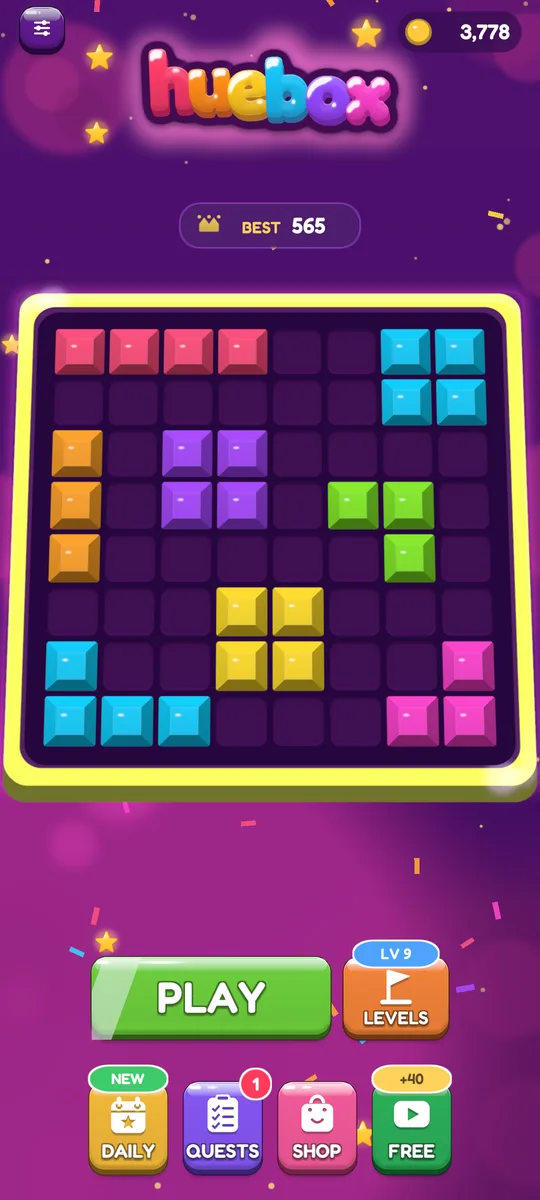
Drop the blocks, fill the lines, watch them burst. Clear a whole line in one colour for a Chroma bonus.
Free. No ads, nothing to buy. Closed beta on Google Play.
What's inside
Easy to start, hard to put down.
- Classic modePlace three pieces at a time on an 8×8 board. Clear rows and columns, chain combos, keep a piece in the hold slot.
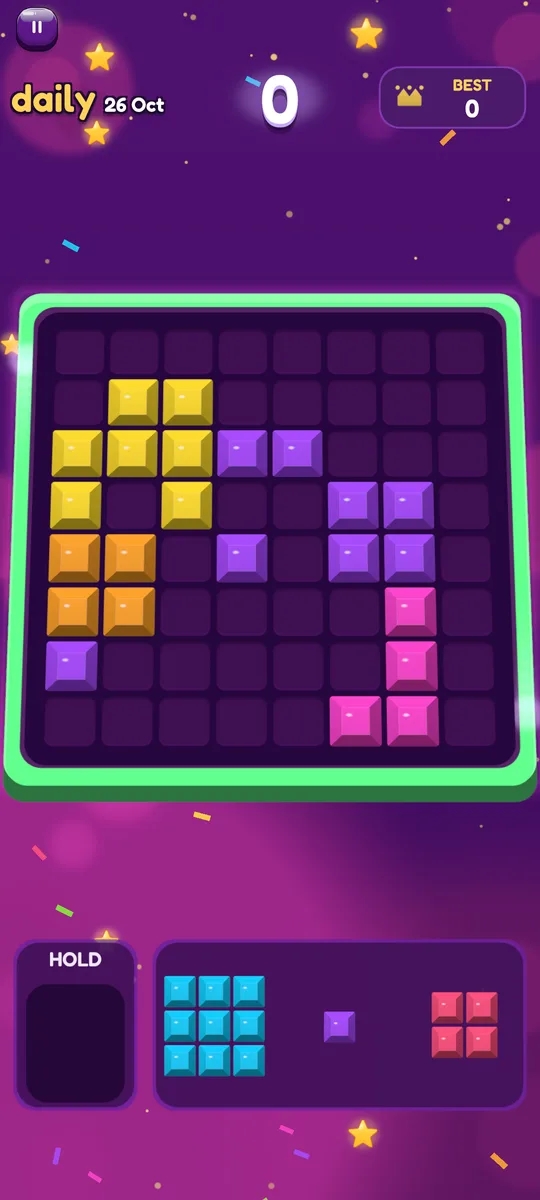
- Daily PuzzleEveryone gets the same board each day. Earn up to three stars, keep your streak and fill the monthly calendar for a prize.
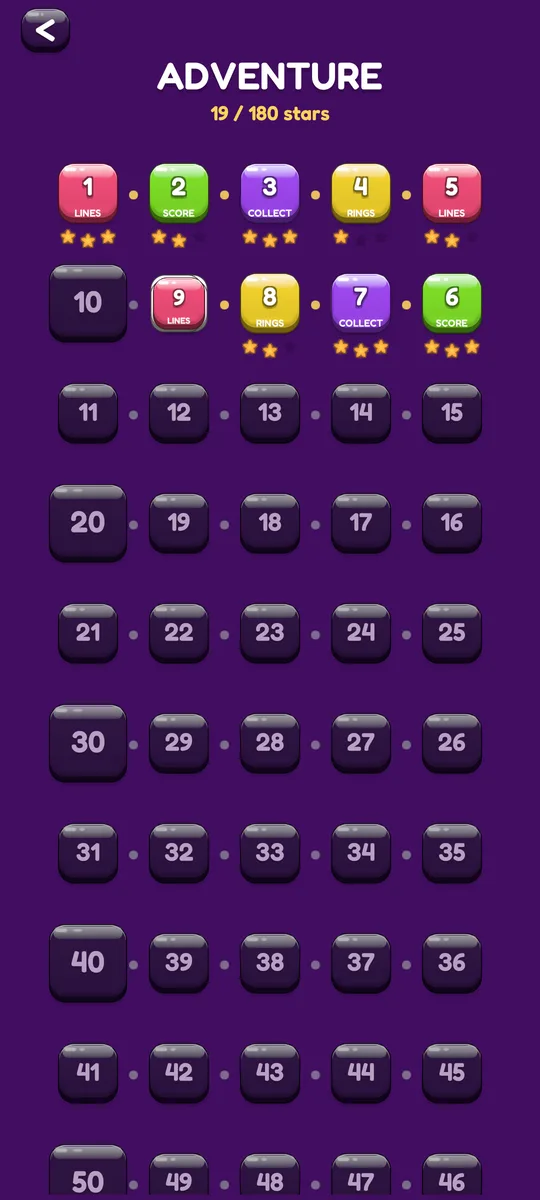
- Adventure60 levels with goals: clear lines, hit a score, collect a colour or break the ringed blocks. A boss every tenth stop.
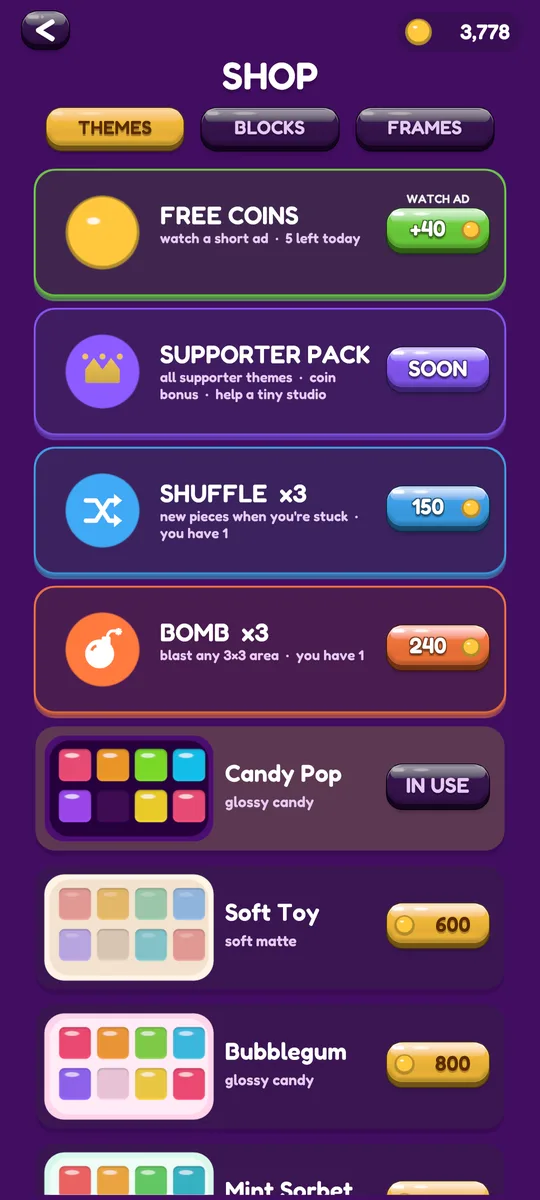
- Themes and collectables20 themes, block skins and board frames, earned with coins, achievements, daily play and weekend events.
- Quests and eventsDaily quests, weekly goals, achievements, and a new weekend challenge every Friday.
- Play your wayUndo, rotate, shuffle and bomb power-ups. Calm motion, fast clears and low graphics settings. Works offline.
Support the studio
Enjoying Huebox?
Huebox is free, with no ads and nothing to buy. It's made by one person. If you'd like to help the next game happen, you can leave a tip on Ko-fi. It's completely optional, and the game stays the same either way.
Tip on Ko-fiQuestions
Good to know
Are there ads or purchases?
No. Huebox is free with no ads and nothing to buy. Free coins, doubled coins and revives are free, with a daily limit.
Where is my progress saved?
On your phone. If you are signed in to Google Play Games, Huebox also keeps a copy in your Google Play Games cloud save, so a new phone can load it. Without Play Games, uninstalling the game or clearing its data removes your progress, so make a backup first.
How do I move my progress to a new phone?
Open Settings, tap SAVE BACKUP and copy your backup code somewhere safe. On the new phone, copy the code again and tap RESTORE FROM CLIPBOARD.
Something isn't working
Email wratheyestudios@gmail.com with your phone model, Android version and what happened. A screenshot helps. Please don't send passwords or payment details.